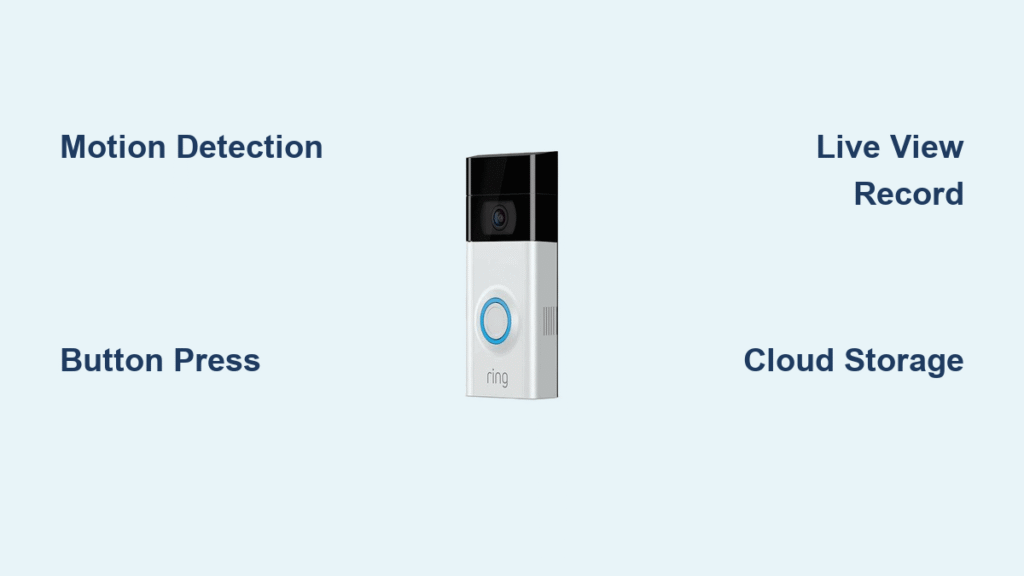
You’ve pressed the Ring app’s settings menu a dozen times, scrolled through every submenu, and still can’t find where to change your outdoor doorbell sound. That frustrating realization hits most Ring owners: the chirp visitors hear when pressing your doorbell is permanently locked. While your indoor notifications can play Christmas carols or ocean waves, your actual Ring doorbell sound remains stubbornly fixed—a hardware limitation baked into every model. This isn’t an oversight in the app; it’s a deliberate design choice affecting all Ring doorbells from the basic battery-powered units to the premium hardwired Elite models. But before you give up, understand this: while you can’t alter what visitors hear outside, you can transform how you’re notified inside your home with 30+ customizable indoor sounds and smart integrations. This guide cuts through the confusion to show exactly what’s possible with your Ring doorbell sound system.
Why Your Ring Doorbell’s Outdoor Chime Won’t Change
Ring doorbells use a single-purpose piezoelectric speaker with a pre-programmed sound chip physically sealed inside the unit. This isn’t a software limitation you can bypass—it’s a hardware constraint. The outdoor speaker contains no user-accessible memory for storing alternative tones, and firmware updates can’t alter this fundamental design. Ring engineered this fixed chime to serve as a universal alert that remains instantly recognizable to visitors, delivery drivers, and emergency personnel regardless of location or model.
Why Ring Locks Down the Outdoor Sound
The fixed Ring doorbell sound ensures consistent outdoor audibility while meeting strict weatherproofing standards. For battery-powered models, a simple, low-power chime preserves energy—complex sound processing would drain batteries faster. Ring also maintains this uniformity across all neighborhoods so visitors instinctively recognize the sound as a doorbell rather than background noise. Attempting to customize outdoor sounds would require redesigning weather-sealed components, adding storage for audio files, and passing new regulatory tests for sound levels.
Every Model Shares This Limitation
Don’t waste time hunting for settings that don’t exist on your specific model. Whether you own a Ring Doorbell Wired, Video Doorbell Pro 2, or Peephole Cam, the outdoor chime remains identical. This applies universally to:
– All battery-powered Ring doorbells (1st-4th Gen)
– Hardwired Pro and Elite models
– Ring Video Doorbell Wired
– Ring Peephole Cam
– Older discontinued models
3 Ways to Customize Indoor Ring Doorbell Sounds That Actually Work

While your outdoor Ring doorbell sound stays fixed, Ring provides robust indoor notification systems you can personalize. Focus your efforts here for meaningful customization that improves your home experience without hardware hacks.
Ring Chime Device Tones (30+ Options)
Connect a $20 Ring Chime or Chime Pro to unlock extensive indoor sound options. Through the Ring app, assign unique melodies to your doorbell including:
– Seasonal sounds like “Jingle Bells” for December or “Spooky Laughter” for Halloween
– Traditional chimes (Westminster, Ding-Dong, Victorian)
– Nature sounds (Birdsong, Ocean Waves, Rainforest)
– Distinct tones if you have multiple doorbells (e.g., “Front Door” vs. “Garage”)
Pro Tip: Set different Chime melodies for motion alerts versus doorbell presses—this tells you why you’re being notified before checking your phone. Assign “Birdsong” for package deliveries and “Ding-Dong” for visitors.
Mobile Notification Personalization
Your smartphone offers granular Ring doorbell sound control:
– Create unique alert tones for specific events (e.g., “Package Alert” vs. “Visitor”)
– Adjust vibration patterns for silent environments
– Schedule Do Not Disturb during meetings or sleep hours
– Prioritize critical alerts over routine motion notifications
Go to Device Settings > Notification Settings in the Ring app. Tap “Sound” under “Doorbell Press” to select from 15+ tones, or use your phone’s native sound library for complete customization.
Alexa Smart Announcements
Link Ring with Amazon Echo devices for voice-guided notifications:
– Hear “Someone’s at the front door” through any Echo speaker
– Customize messages like “Package delivery at Unit 305”
– Trigger routines that announce alerts while flashing smart bulbs
– Assign location-specific sounds for multi-story homes
Say “Alexa, set up Ring announcements” to enable this. Then create routines: “When Ring Front Door is pressed, announce ‘Visitor at main entrance’ and turn hallway lights blue.”
Why You Can’t Find Outdoor Sound Settings (And What to Check Instead)
Most users waste hours searching for non-existent outdoor sound options. The Ring app’s interface fuels this confusion by prominently displaying indoor customization menus while omitting any mention of outdoor limitations. Don’t fall for these dead ends:
Misleading “Smart Responses” Feature
Enabling Smart Responses or Quick Replies won’t change your Ring doorbell sound. These features let you send pre-recorded voice messages to visitors through the doorbell’s speaker (e.g., “I’ll be right there!”). They don’t alter the initial chime visitors hear when pressing the button.
App Navigation Traps
When you navigate to Device Settings > Doorbell Chime in the Ring app, you’re only configuring:
– Indoor Chime device tones
– Mobile notification sounds
– Alexa integration settings
– Motion alert preferences
None of these affect the outdoor chime. If your outdoor unit suddenly sounds different, check for physical obstructions—not app settings.
Multi-Unit Sound Differentiation Strategies
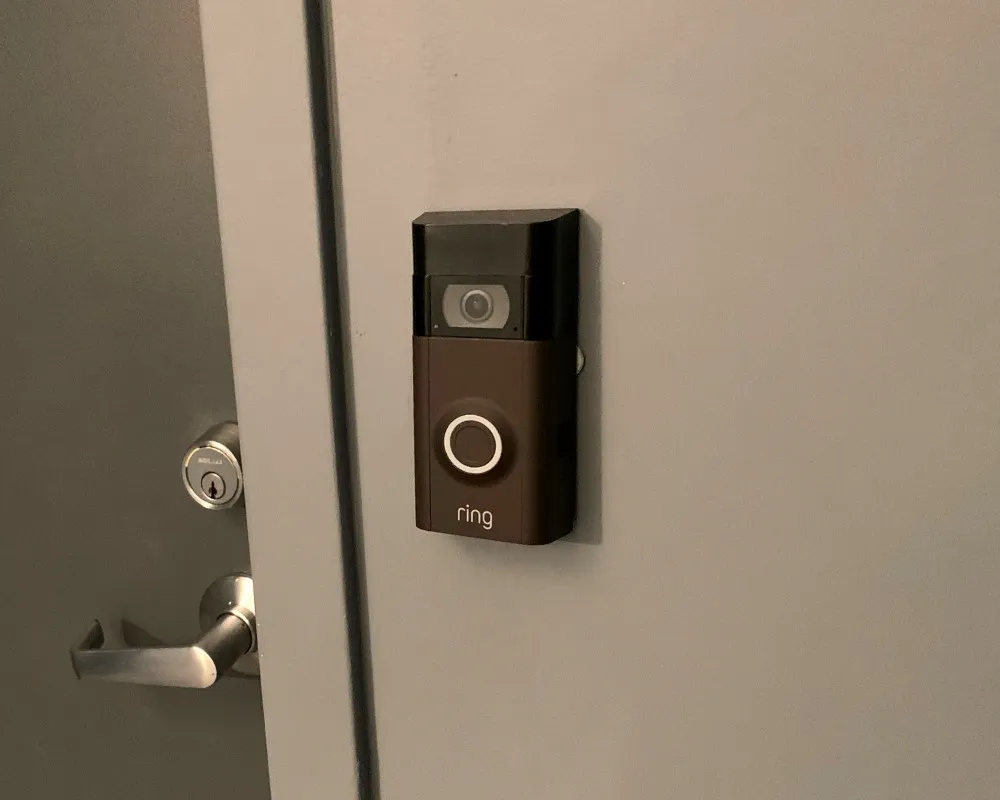
In apartments or townhomes with multiple Ring doorbells, identical outdoor chimes cause confusion for visitors and delivery drivers. Solve this without modifying outdoor hardware:
Create Unit-Specific Indoor Alerts
- Assign unique Chime melodies to your specific doorbell (e.g., “Marimba” for Unit A, “Piano” for Unit B)
- Program Alexa announcements with your unit number: “Visitor at Unit 204 front door”
- Set up smart light routines that flash your porch light blue when your doorbell is pressed
- Use phone notification filters that display “Unit 3” only for your doorbell alerts
Help Visitors Identify Your Door
- Install large, illuminated address numbers beside your doorbell
- Add a decorative weatherproof cover that visually distinguishes your unit (this may slightly muffle sound but won’t change tone)
- Use Ring’s Live View to verbally greet visitors: “You’re at Unit 5—press again to ring our chime!”
Physical Workarounds That Alter (But Don’t Change) the Sound

While you can’t install new sounds, these user-tested modifications affect how the fixed Ring doorbell sound projects:
Decorative Sound Modifiers
Fit a weatherproof doorbell cover (like those from Amazon or Home Depot) to:
– Muffle high frequencies slightly for quieter neighborhoods
– Redirect sound direction toward your porch instead of the street
– Create visual distinction from neighboring units
Warning: Avoid blocking the speaker grille completely—moisture buildup could damage internal components. Test covers during dry weather first.
External Speaker Integration (Advanced)
For tech-savvy users: Connect a weatherproof Bluetooth speaker near your door using Ring’s mobile alerts:
1. Set your phone’s Ring notification sound to your desired chime
2. Pair a weatherproof Bluetooth speaker (like AmpMe Outdoor) to your phone
3. Place the speaker near your doorbell (within 30 feet)
4. When pressed, your doorbell triggers the phone notification, which plays through the external speaker
Note: This causes a 2-3 second delay and drains phone battery. Not suitable for primary alerting.
Maintenance for Clear Outdoor Ring Doorbell Sound
Keep your fixed chime audible with these simple checks:
– Monthly: Wipe the speaker grille with a dry microfiber cloth to remove dust/debris
– After storms: Inspect for water intrusion—moisture inside the unit distorts sound
– Biannually: Tighten mounting screws—loose units vibrate against walls, muting the chime
– For battery models: Replace batteries at 20% charge (low power weakens volume)
If your outdoor chime suddenly stops working, verify power sources first—not sound settings. Hardwired units need voltage checks; battery models require replacement when below 30%.
Stop Wasting Time—Master What You Can Control
The outdoor Ring doorbell sound will never change—it’s a deliberate hardware choice, not a missing feature. Redirect your energy toward the indoor customization options that deliver real value: Ring Chime melodies, Alexa announcements, and smartphone alerts. For multi-unit buildings, leverage unit-specific indoor notifications rather than fighting Ring’s universal outdoor design. If outdoor sound customization is non-negotiable, consider alternative doorbells from competitors like Eufy or Skybell that support custom outdoor tones. But for most homeowners, Ring’s robust indoor ecosystem—when properly configured—provides more than enough notification flexibility. Focus on setting distinct indoor sounds for different events, and you’ll never confuse a package delivery with a late-night visitor again. Your Ring doorbell sound may be fixed outside, but your notification experience can be perfectly tailored inside.