You’re relaxing on the couch when you hear that familiar “ding-dong” echoing through your home. Within seconds, you’re at the door greeting a visitor. But have you ever paused to wonder how that simple button press outside creates sound inside your house? Understanding how does a doorbell work reveals one of the most elegant applications of basic electrical principles in your entire home. This seemingly simple device represents decades of engineering evolution, from electromagnetic solenoids to AI-powered smart systems.
Doorbell technology, whether traditional wired units or modern wireless smart devices, all operate on the same fundamental concept: converting electrical energy into sound. The journey from button press to chime involves fascinating physics, clever engineering, and increasingly sophisticated digital technology. This guide breaks down exactly how does a doorbell work, from the electromagnetic wizardry in vintage chimes to the wireless communication in today’s smart home systems.
Traditional Doorbell Mechanics: Electromagnetic Wizardry
Solenoid Power: The Heart of Classic Chimes
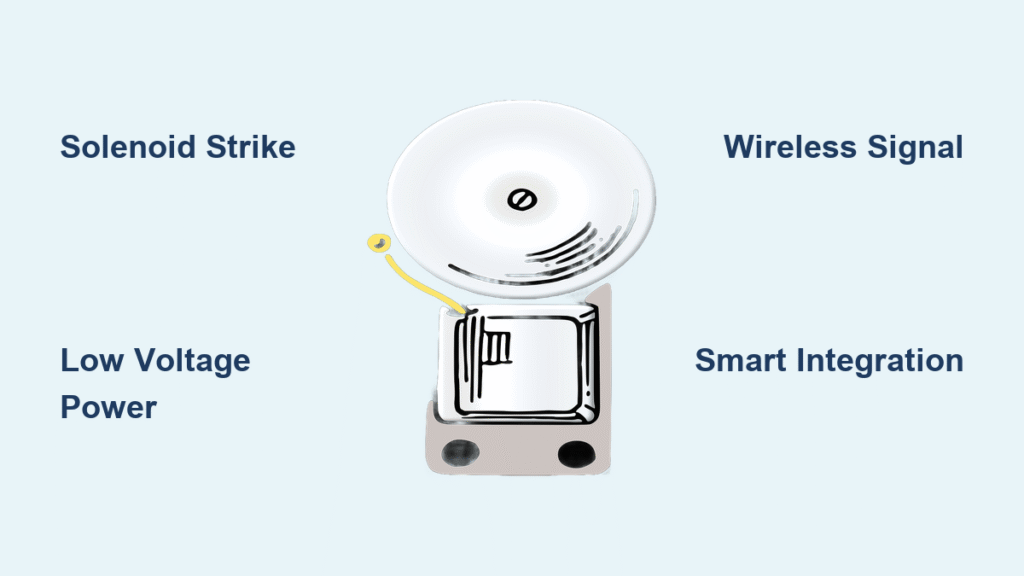
Traditional doorbells rely on an electromagnetic solenoid to create their distinctive sound. This specialized component consists of a tightly wound copper wire coil surrounding a metal piston with an iron core. When you press the doorbell button, you complete an electrical circuit that sends current racing through this coil.
The instant current flows, it generates a magnetic field that violently pulls the iron core into the center of the coil. This sudden movement—occurring in mere milliseconds—launches the piston forward with enough force to strike metal tone bars. Release the button, and the circuit breaks, allowing a spring to snap the piston back to its starting position, striking another tone bar to complete the “ding-dong” sequence.
Tone Generation: Creating the Iconic “Ding-Dong”
The classic chime design employs precisely calibrated metal bars positioned around the solenoid. The first bar, positioned to the right, produces the higher-pitched “ding” when struck by the forward-moving piston. The second bar, located on the left, generates the lower-pitched “dong” during the piston’s return journey. Manufacturers carefully tune these bars to specific frequencies, ensuring pleasant harmonics rather than harsh clanging.
For homes with multiple entrances, different buttons connect to distinct solenoids. The front door button typically triggers the full “ding-dong” sequence, while the back door button often produces just a single “ding” sound. More elaborate systems add additional solenoids and tone bars to create complex musical sequences.
Electrical Architecture: The Hidden Wiring System
Voltage Transformation: Why Doorbells Use Safe Low Voltage
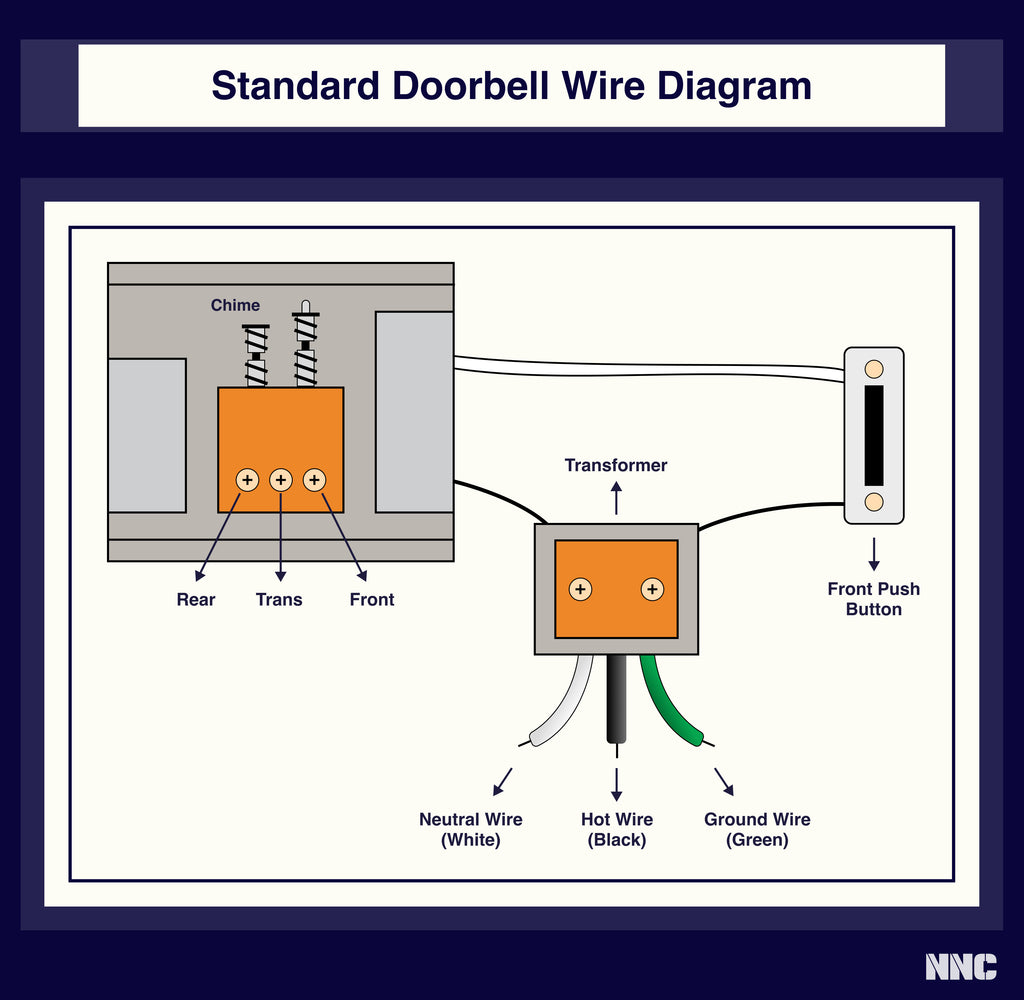
Your doorbell doesn’t operate on dangerous 120-volt household current. Instead, a step-down transformer quietly converts this high voltage to safe 6-16 volts. Older systems typically use 6-8 volts, while newer units prefer 12-16 volts for stronger, clearer chimes. This transformer, usually mounted near your electrical panel, ensures safety while providing consistent power.
The transformer serves as the system’s power source, making doorbells remarkably safe to work on. The low-voltage side typically carries harmless current, similar to a toy train transformer rather than household wall current. However, caution is still advised as rare transformer failures could expose dangerous current.
Wiring Configuration: Following the Current Path
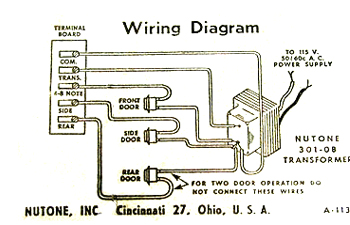
Behind your walls runs a surprisingly simple two-wire network. One wire connects the transformer directly to the “trans” terminal on the chime unit. The doorbell button sits in the middle of the other wire, breaking the circuit until pressed. For homes with front and back doorbells, each button connects to separate terminals (“front” and “back”), allowing different chime patterns for each entrance.
Pro tip: When troubleshooting, use a volt-ohm meter to verify voltage between “front” and “trans” terminals while pressing the button. You should see 6-16 volts depending on your system—a reading of zero indicates a wiring or transformer issue.
Wireless Doorbell Technology: Cutting the Cord
RF Signal Transmission: How Wireless Buttons Communicate
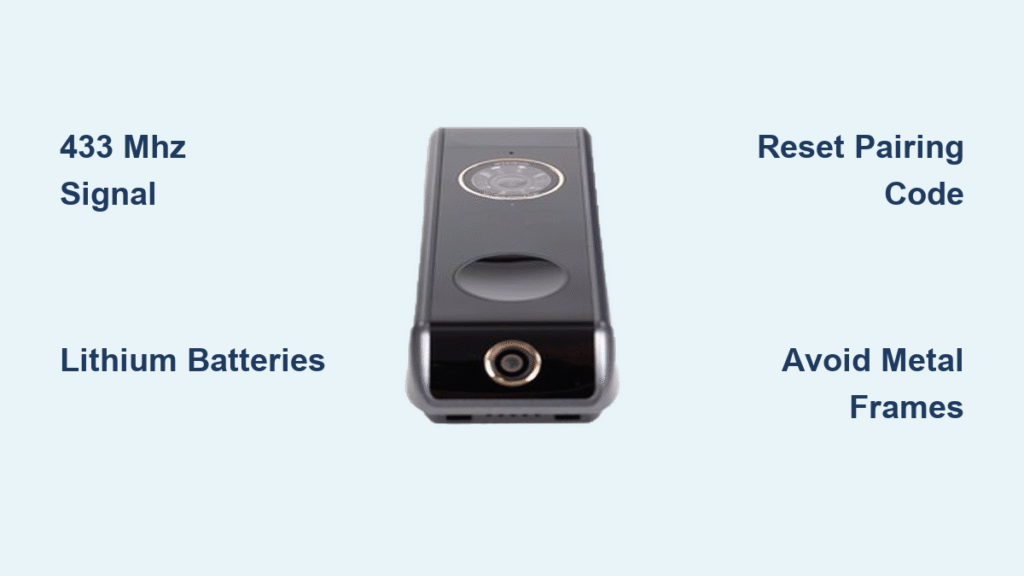
Wireless doorbells eliminate complex wiring entirely through radio frequency technology. When you press a wireless button, you activate a miniature radio transmitter that sends encoded signals on specific frequencies—typically 433 MHz or 2.4 GHz—to a receiver unit inside your home.
The transmission process unfolds in four rapid steps: button activation completes the internal circuit, the transmitter encodes the signal, the radio broadcasts the encoded data, and the receiver decodes it back into an alert. This entire process happens in milliseconds, creating near-instantaneous response.
Protocol Differences: 433 MHz vs 2.4 GHz Systems
Radio Frequency (RF) systems dominate the wireless market. The 433 MHz band offers excellent range through walls and obstacles, making it ideal for larger homes. Meanwhile, 2.4 GHz provides faster data transmission for advanced features but may struggle with signal penetration through multiple walls.
Bluetooth doorbells work within a 30-foot radius, perfect for apartments or small homes, while WiFi-enabled smart doorbells connect to your home network, enabling smartphone notifications and video streaming. Modern wireless systems often offer multiple frequency channels to avoid interference from neighboring units or other devices.
Smart Doorbell Evolution: Beyond Simple Chimes
Digital Integration: Video, Audio, and AI Features
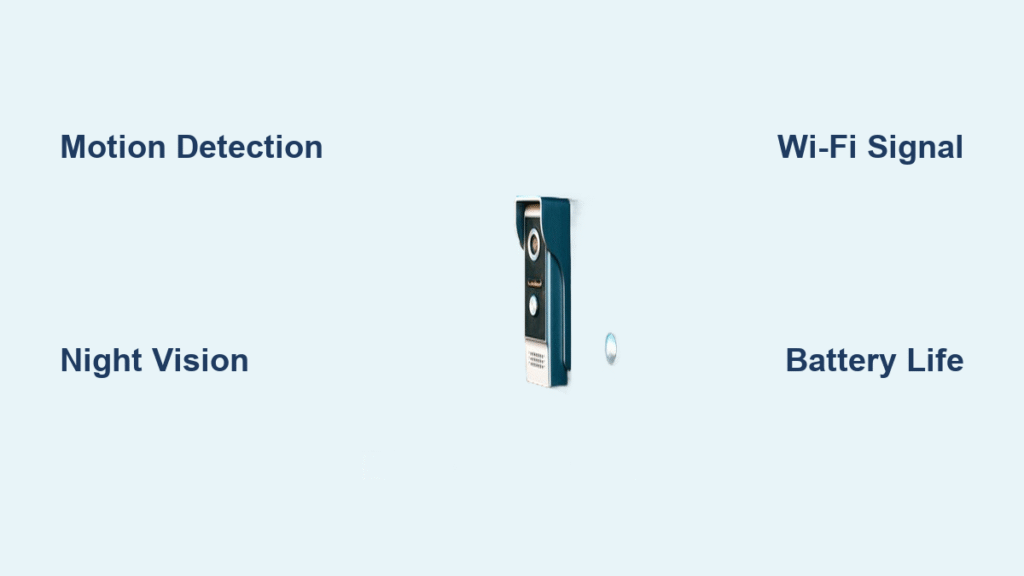
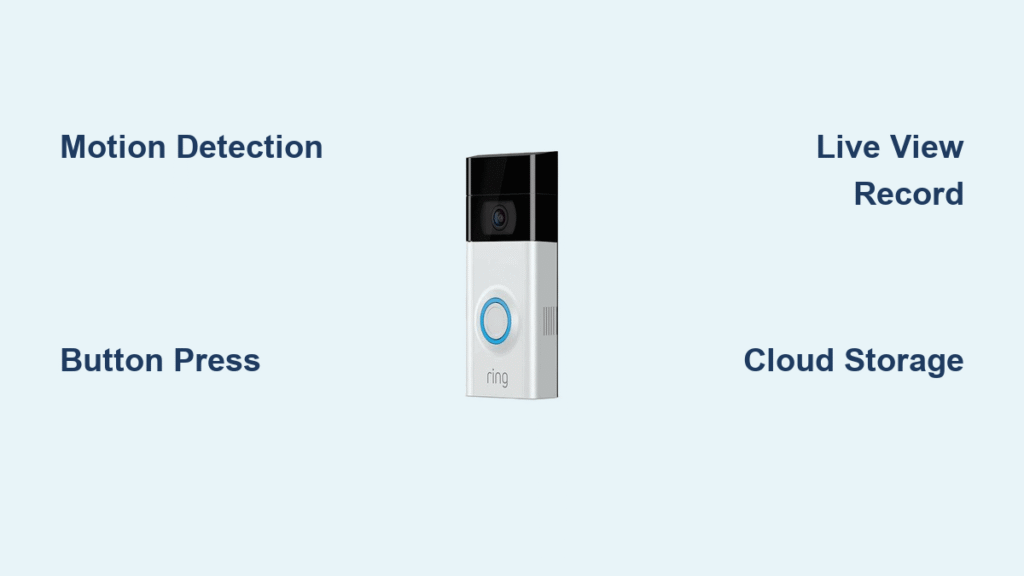
Modern smart doorbells transform the simple button-press into a comprehensive home security system. These devices combine traditional doorbell functions with HD video streaming, two-way audio, motion detection, cloud recording, and package detection using AI algorithms.
The integration extends beyond basic functionality—smart doorbells can trigger other smart home devices, like turning on porch lights when motion is detected or announcing visitors through smart speakers throughout your home. This creates a seamless security ecosystem centered around the humble doorbell.
Voice Assistant Compatibility: Hands-Free Doorbell Control
Today’s smart doorbells seamlessly integrate with popular voice assistants. With Amazon Alexa, you can say “Alexa, show me the front door” to display live video on Echo devices. Google Assistant allows voice commands to check doorbell status, while Apple HomeKit enables Siri integration for iPhone users.
Pro tip: Set up voice announcements so your smart speakers announce “Someone’s at the front door” throughout your home, ensuring you never miss a visitor—even with headphones on.
Core Components Breakdown: What’s Inside Your Doorbell

Button, Chime, and Transformer: Essential Elements
Every doorbell system—wired or wireless—shares these fundamental components: the push button (weatherproofed for outdoor use), the chime unit (sound-producing mechanism), and the transformer (voltage reducer). Modern buttons use gold-plated contacts to prevent corrosion, while chime units contain either electromagnetic solenoids or digital speakers.
The transformer, typically rated for 10-20 volt-amps, provides consistent power without overheating. Terminals are color-coded with standard markings: “TRANS” (transformer), “FRONT,” and “REAR” (back door), making installation and troubleshooting more straightforward.
Terminal Connections: Understanding Wire Markings
Proper wiring connections are critical for doorbell operation. The physical wiring follows specific color codes: neutral (white), ground (green), and hot/live (black). On the chime unit, the “trans” terminal connects directly to the transformer, while the “front” and “back” terminals connect to their respective doorbell buttons.
For dual-button systems, the wiring configuration determines the chime pattern—typically “ding-dong” for front and single “ding” for back. Understanding these connections helps diagnose common issues like buttons that work but produce no sound, or chimes that activate randomly.
Troubleshooting Guide: Fixing Common Doorbell Issues
Wired System Problems: Voltage and Connection Checks
When your traditional doorbell stops working, follow this systematic approach: first check transformer voltage at terminals (should read 6-16V), inspect the button for corrosion or damage, verify wire connections are secure, and test individual components with a multimeter.
Common issues include loose wire connections at terminals, corroded button contacts, and failed transformers. Testing procedures involve using an electrical tester at the bell unit to verify voltage between “front” and “trans” terminals when pressing the button—if no voltage appears, the issue lies with the button or wiring.
Wireless Failures: Battery and Signal Interference Fixes
Wireless doorbells commonly fail due to dead batteries, signal interference, or lost pairing. First replace the transmitter batteries, then re-sync the transmitter and receiver following manufacturer instructions. Check for interference sources like WiFi routers, baby monitors, or microwave ovens operating on similar frequencies.
Quick fix: Most modern wireless doorbells offer multiple frequency channels. Consult your manual to switch to a less congested frequency—this often resolves intermittent operation issues caused by signal interference.
Future Innovations: What’s Next for Doorbell Technology
AI-Powered Recognition: Smarter Visitor Identification
The next generation of doorbells promises even greater intelligence with AI-powered recognition that can distinguish between familiar faces and strangers. Advanced package delivery confirmation automatically notifies you when packages arrive, while weather adaptation adjusts chime volume based on environmental conditions.
Emerging energy harvesting technology creates buttons that generate power from the press itself, potentially eliminating battery replacement needs. These innovations build upon the fundamental question of how does a doorbell work, adding layers of intelligence while maintaining the core functionality.
Sustainability Trends: Eco-Friendly Doorbell Designs
Manufacturers increasingly focus on eco-friendly designs with solar-powered buttons that eliminate battery waste, casings made from recycled materials like ocean plastics, and energy-efficient receivers that draw minimal standby power. These sustainable approaches address environmental concerns while maintaining reliable operation.
The evolution from simple electromagnets to AI-powered security systems demonstrates remarkable engineering progress, all while answering the fundamental question of how does a doorbell work. Whether you have a vintage “ding-dong” system or a cutting-edge video doorbell, understanding these principles helps you troubleshoot issues, choose upgrades wisely, and appreciate the ingenious technology that announces every visitor to your home. The next time you hear that familiar chime, you’ll know exactly what remarkable process just occurred—from button press to beautiful sound.