
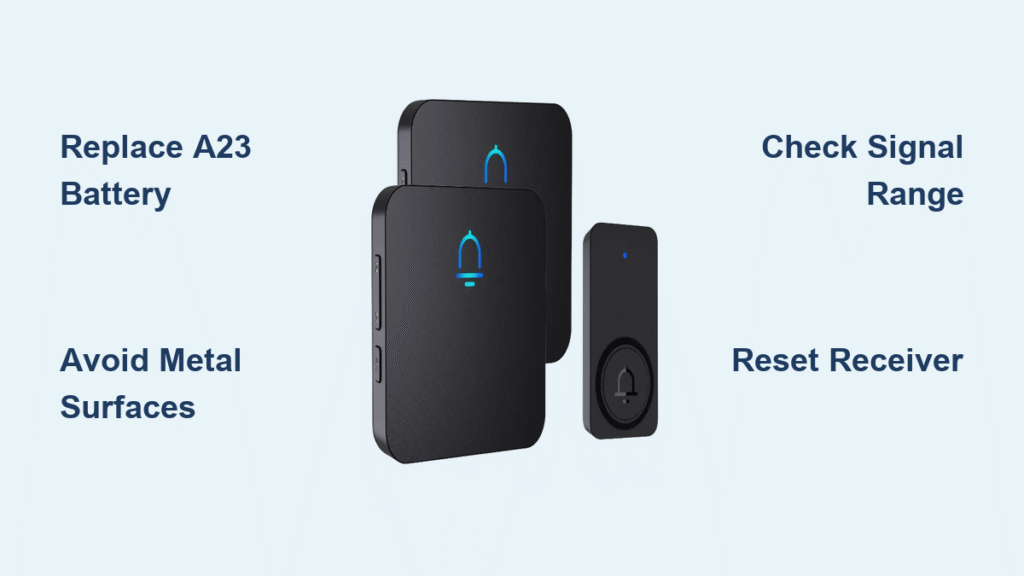
Your Secrui doorbell suddenly goes silent right when you’re expecting an important delivery. You press the button repeatedly, but no chime echoes through your home. This frustrating scenario affects countless Secrui owners who suddenly find their doorbell not ringing despite working perfectly just days before. Most silent doorbell issues stem from preventable causes that you can fix in minutes with basic troubleshooting—no professional help required. This guide reveals the exact steps thousands of users have taken to restore their Secrui doorbell’s functionality, whether you’re dealing with complete silence or intermittent signal drops.
Replace Dead A23 Battery Immediately
Why Your Secrui Doorbell Suddenly Goes Silent
The most common reason for a Secrui doorbell not ringing is a depleted A23 battery in the transmitter unit. These specialized batteries typically last exactly 2.5 months under normal usage before failing completely. Unlike other devices that give low-battery warnings, your Secrui doorbell provides no gradual decline—just sudden silence when the battery dies. Keep spare A23 batteries on hand because they’re not commonly stocked at local stores, making replacement difficult when you need them most.
Critical warning signs you missed: Before complete failure, low batteries trigger continuous random chimes throughout your home. Many users mistake this for a malfunction rather than the low battery alert it actually is. If your doorbell recently started chiming randomly without anyone pressing the button, that’s your advance warning to replace the battery immediately before total silence sets in.
Proper Battery Replacement Procedure
Step-by-step replacement guide:
1. Remove the transmitter unit from its mounting location
2. Locate the small battery compartment on the back
3. Insert a fresh A23 battery with correct polarity (+/-)
4. Press the doorbell button while holding it near the receiver
5. Verify you hear a clear chime before remounting
Pro tip: Test new batteries with a multimeter before installation—A23 batteries should read 12 volts when fresh. Discounted or expired batteries often have lower voltage that causes intermittent “Secrui doorbell not ringing” issues despite appearing new.
Eliminate Metal Interference Problems
Why Metal Surfaces Block Your Doorbell Signal
Mounting your Secrui transmitter directly on metal doors or frames is the second most common reason for a silent doorbell. Metal surfaces create signal interference that prevents the transmitter from communicating with the receiver. The transmitter must sit at least 2-3 inches away from any metal surface—including decorative elements like address numbers or kick plates—to function properly.
Effective Repositioning Techniques
Immediate interference test:
– Remove the transmitter from its mount
– Hold it in your hand away from all metal surfaces
– Press the button while standing near your receiver
– If it rings consistently, metal interference is your problem
Optimal placement strategy: Mount your transmitter on the wooden portion of your door frame, 4-5 feet high on the side opposite the hinges. This height prevents accidental bumps while maximizing signal strength. For metal doors, use the included no-tool mounting bracket to create necessary distance from the interfering surface.
Diagnose and Fix Range Limitations

Why Your Secrui Doorbell Works on One Floor But Not Another
Secrui doorbells maintain reliable signal up to 120 feet in open spaces, but interior walls and building materials significantly reduce this effective range. If your doorbell rings when the receiver is plugged into outlets closer to the transmitter but not farther ones, you’ve identified a range limitation rather than a device failure.
Two-Story Home Signal Solutions
Strategic receiver placement:
– Install one receiver on each floor of your home
– Position the ground floor receiver near stairwells for optimal signal penetration
– Set volume to the middle level—this provides sufficient sound for both floors without being overly loud
– Avoid maximum volume settings unless you have hearing challenges or unusually large rooms
Signal booster alternative: If range issues persist after trying all positioning options, add a second receiver plugged into an electrical outlet at your home’s midpoint. This creates an effective relay system ensuring doorbell rings reach every corner of your property.
Stop Continuous Ringing Caused by Low Batteries
Why Your Doorbell Won’t Stop Chiming
When A23 batteries reach critically low levels, the transmitter sends garbled signals that cause nonstop chiming—often right before complete failure. This continuous ringing isn’t a malfunction but rather your doorbell’s final warning that battery replacement is urgent. Many users mistakenly believe their doorbell is broken when this happens, leading to unnecessary returns or replacements.
Quick Fix for Nonstop Chiming
Immediate solution steps:
1. Replace the A23 battery immediately—don’t waste time adjusting settings
2. Unplug the receiver for 30 seconds to clear corrupted signal memory
3. Plug the receiver back in and test with the new battery
4. If continuous ringing persists, repeat the process with a different A23 battery
Important note: Never attempt to “reset” your doorbell through button combinations when experiencing continuous chiming—the root cause is always the transmitter battery. Fresh batteries resolve this issue 95% of the time within seconds of installation.
Prevent Future Secrui Doorbell Failures
Create a Proactive Battery Replacement Schedule
Since A23 batteries last precisely 2.5 months (approximately 10 weeks) under normal conditions, set a recurring calendar reminder for battery replacement. Purchase A23 batteries in bulk online where they cost significantly less than local stores—typically $0.50-$0.75 per battery versus $3-$4 at convenience stores.
Smart storage technique: Keep spare batteries in a sealed plastic bag with a silica gel packet to prevent corrosion. This ensures your backup batteries work perfectly when needed, even after months in storage. Test spare batteries quarterly with a multimeter to verify they maintain proper voltage.
Optimize Weather Protection for Longevity
While Secrui doorbells claim weather resistance, prolonged exposure to direct rain or snow eventually causes failures. Install your transmitter under a porch overhang or awning whenever possible. If this isn’t feasible, apply a thin bead of clear silicone caulk around the transmitter’s edges where it meets the mounting surface—this inexpensive modification significantly improves weather resistance without affecting functionality.
Seasonal maintenance tip: After severe storms, check your doorbell’s responsiveness. Moisture infiltration often causes temporary failures that resolve after 24 hours of drying. If problems persist beyond this timeframe, investigate battery and positioning issues immediately before complete failure occurs.
When to Replace Versus Repair Your Secrui Doorbell
Identify Your Specific Model First
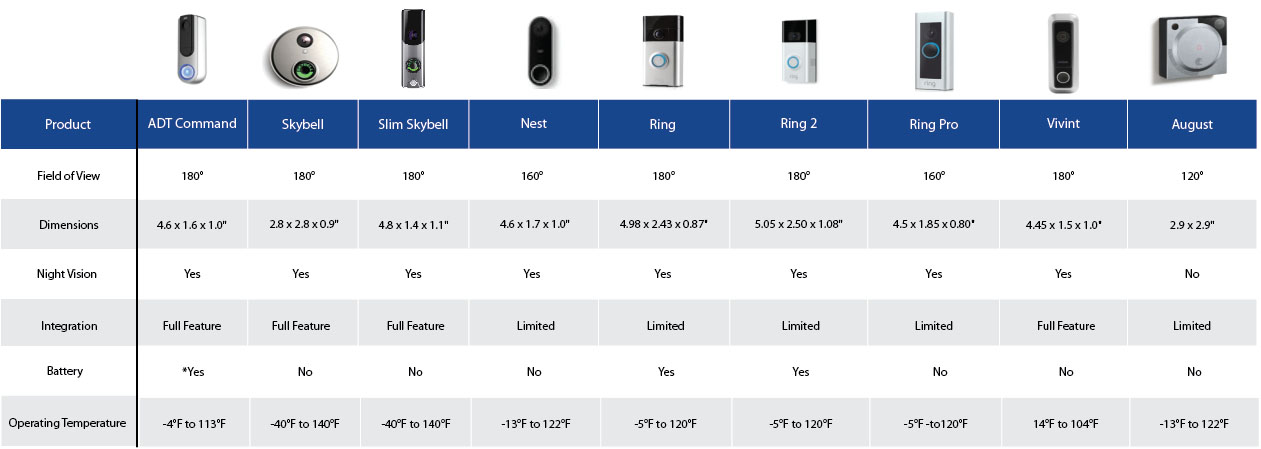
Newer Secrui models offer Bluetooth connectivity and enhanced features, while older versions provide basic functionality only. Check your model number before ordering replacement parts, as receiver designs vary slightly between versions. Both types use identical A23 batteries in the transmitter unit, but Bluetooth models provide better signal processing and extended battery monitoring.
Upgrade consideration: If your older model repeatedly fails despite fresh batteries and proper positioning, consider upgrading to a newer Bluetooth-enabled version. The enhanced models offer superior performance and additional troubleshooting features through companion apps.
Cost-Effective Replacement Strategy
Secrui doorbells are affordably priced, making complete replacement practical when weather damage occurs. However, 90% of “dead” doorbells simply need fresh batteries. Always troubleshoot with new A23 batteries and strategic repositioning before ordering a replacement unit. Many satisfied users purchase multiple Secrui units after successful initial experiences—having backup units eliminates downtime during weather-related failures or battery emergencies.
Systematic Troubleshooting Checklist
Four-Step Diagnostic Process for Silent Doorbells
Step 1: Battery verification test
– Press the doorbell button while holding the transmitter near the receiver
– Weak or intermittent chimes indicate immediate battery replacement is needed
Step 2: Distance validation
– Unplug your receiver and carry it to an outlet within 20 feet of the transmitter
– If it rings consistently at close range but not farther away, you have a range issue
Step 3: Interference confirmation
– Hold the transmitter away from all metal surfaces while testing
– Consistent ringing confirms metal interference at original mounting location
Step 4: Complete reset procedure
– Replace the transmitter battery
– Unplug the receiver for one full minute
– Plug the receiver back in and test immediately
– This combination resolves 80% of “Secrui doorbell not ringing” issues
Monthly maintenance routine: Press your doorbell weekly to catch problems early. A sudden weak chime or delayed response signals impending battery failure—don’t wait for complete silence before taking action.
Key Takeaway: 90% of Secrui doorbell not ringing failures trace back to dead A23 batteries or poor positioning near metal surfaces. Keep spare batteries stocked, test your doorbell monthly, and position transmitters strategically to enjoy years of reliable performance. When basic troubleshooting fails, Secrui’s affordable pricing makes replacement a practical solution rather than pursuing extensive repairs. Implement these proven techniques today to ensure your doorbell never misses another visitor.



